Why You Should Never Share Your Personal Device or Home Network
04 May 2026 · 2 min read · Alex Stevens
- personal device
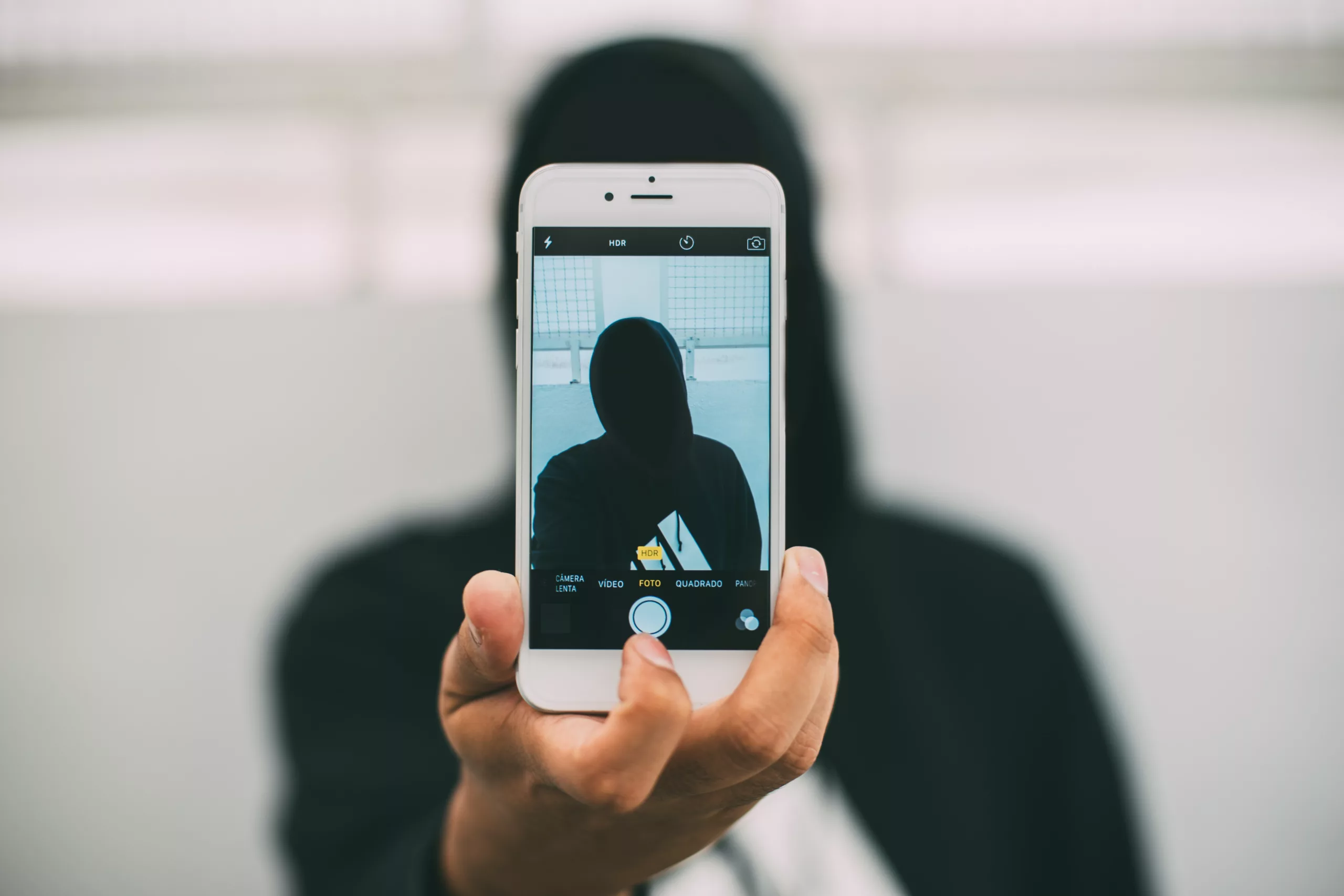
Your phone, laptop, and home Wi-Fi hold a surprising amount of your personal life. Banking apps, saved passwords, work files, family photos. When you hand access to someone you do not know, you hand them a key to all of it. Here is why that matters, and what you can do instead.
Malware and virus infections
When an unknown person uses your device or connects to your network, they can introduce malware or viruses, sometimes without realising it themselves. These can damage your files, slow your device to a crawl, or quietly harvest your personal information in the background.
Sharing your device or network with someone you do not know can expose your personal and sensitive information. That includes your name, address, financial details, and login credentials. Once that information is out of your hands, it can be very difficult to contain the damage. The UK government's Cyber Security Breaches Survey 2022 highlights financial loss as one of the key consequences of unauthorised access to personal data.
Unauthorised access to your accounts
Giving someone access to your device, even briefly, can let them into your email, social media, and banking apps. Many of these stay logged in by default. A few minutes is all it takes for someone to read private messages, transfer money, or change your passwords and lock you out.
Misuse of your network
If someone uses your home Wi-Fi for illegal activity, such as downloading pirated content or accessing harmful material, that activity can be traced back to your connection. You could face questions from your internet provider or, in serious cases, from law enforcement, even if you had no idea what was happening.
It is hard to trace what went wrong
If something does go wrong after sharing your device or network, tracking down exactly what happened, and who is responsible, is genuinely difficult. The longer a problem goes undetected, the more damage it can do. Prevention is far simpler than trying to unpick a breach after the fact.
A little caution goes a long way. Keeping your devices and network to yourself, or to people you genuinely trust, is one of the simplest things you can do to protect your privacy and your finances.
Trusted references
FAQ
What happens if I let someone use my personal device?
They could access your logged-in apps, including email, banking, and social media, sometimes within minutes. They might also introduce malware or viruses, or steal your passwords and personal information like your address and financial details.
Can someone misuse my home Wi-Fi without me knowing?
Yes. If someone uses your network for illegal activity like downloading pirated content, that activity can be traced back to your connection. You could face questions from your internet provider or law enforcement, even if you were unaware of what they were doing.
How do I safely let a guest use my Wi-Fi?
Set up a separate guest network so they cannot access your main devices and personal data. You should also check your router regularly to see which devices are connected, and change your Wi-Fi password immediately if you spot anything unfamiliar.
Why is it hard to fix problems after sharing my device?
Once someone has accessed your device or network, it is difficult to track exactly what happened, who is responsible, or how much damage has been done. The longer a problem goes undetected, the worse it can become, which is why prevention is far simpler than dealing with a breach.
What should I do to protect my device from unauthorised access?
Use a strong PIN or password screen lock so your device cannot be accessed without your knowledge. Never leave it unattended with someone you do not know well, and only share access with people you genuinely trust.
Keep reading
Was this useful?
Loading…